Donate to the sick, hospital and community projects
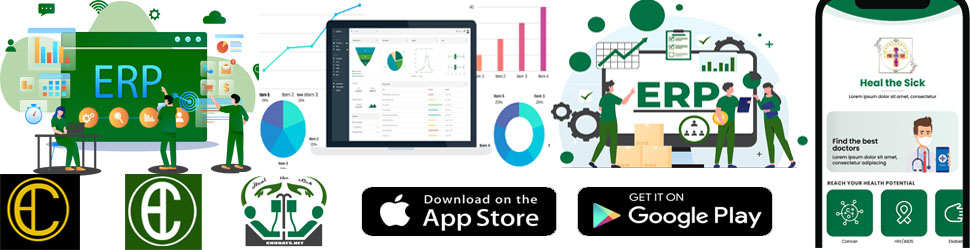
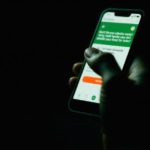
The principle of making donations within CHUDATS is very simple. All donations are requested in a unique digital currency called “Heal Coins” or “Heal Cash” or the “HC”. In order to make donations on the Mobile Application, you need to first of all have an account. If you do not already have one, you can do so by downloading the Heal the Sick from Playstore or from Appstore. Sign-up for your account using the mobile app or you can sign-up for same using this sign-up form, select the User Type as “Patient”.

On CHUDATS Community Projects page, you simply select the project you want to donate to, follow the instructions and pay directly to support the project. The receipt of your payment will be received through your entered email. The email will contain the details including a Donation Order ID that you can use to Here to download authentic proof of your donation made.

Donations for the sick and for hospital projects are solely done using the mobile application, therefore, it is obligatory to get “Heal the Sick” if you intend to support hospitals and vulnerable patients.  

As a registered user, you can sign-in to your account; go to the menu and access My Heal Cash Wallet. In your wallet you can add HC and use that to make donations within the App.

Donating HC to the sick

Leave a reply

Previous Post

Next Post

Recent Comments

Join Us
  • Facebook
  • X Network
  • Instagram
  • WhatsApp Channel

Stay Informed With the Latest & Most Important News

I consent to receive newsletter via email. For further information, please review our Privacy Policy

Advert

Loading Next Post...

Follow Us
Search Trending
Popular Now
Loading

Signing-in 3 seconds...

Signing-up 3 seconds...